Workflow playbook

HVAC Dispatch workflow playbook

Use this playbook to run CoolRoute Command as a real hvac dispatch operations operating workflow: route the work, capture acceptance evidence, and turn the same proof into buyer-facing SEO/AEO content.

The app should prove real hvac dispatch operations work through visible records, clear owners, traceable status changes, and exportable evidence before any deeper integration is promised.

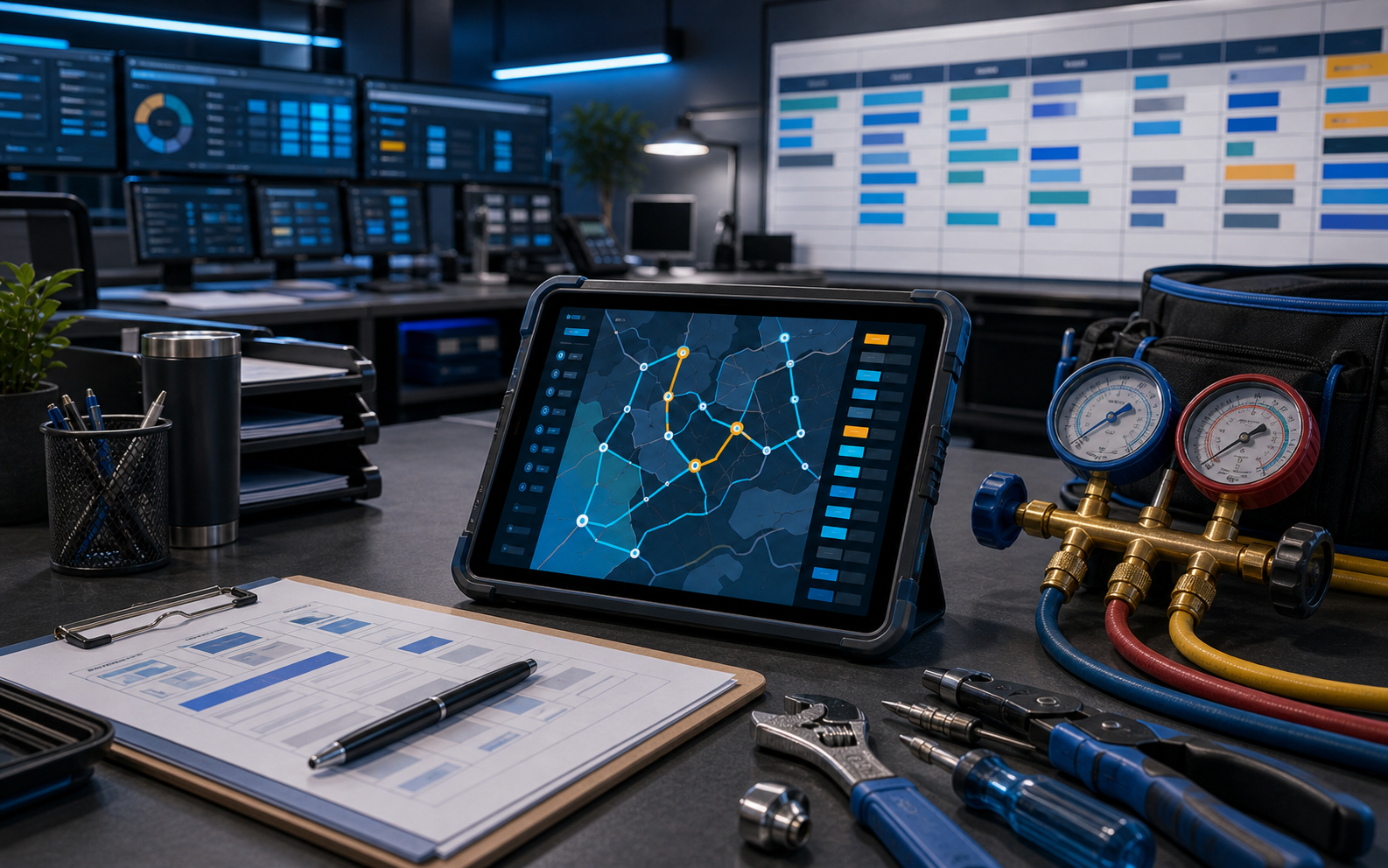
Editorial HVAC dispatch desk with route tablet, schedule board, service tools, and abstract work order controls.
CRCoolRoute Command
Live demo
Dispatch board
6 routes

AM

4 calls

Mid

2 calls

PM

3 calls

Service board

Intake to ETA

Work orders move from request triage into dispatcher review.

Route rescue

Capacity + SLA

Technician load, route moves, and customer promises stay linked.

Closeout

Invoice-ready

Field evidence, parts holds, and warranty data shape the invoice.

Primary keyword

HVAC dispatch software workflow playbook

Workflow

Live dispatch operations command center

Pilot package

Field service dispatch software pilot package

Buyer outcome

Cleaner dispatch decisions, fewer surprise delays, and better customer communication during peak service windows.

Operator workflow

Run the demo like a real operating day.

Dispatcher

1. Service intake

CoolRoute Command: Service intake

Trigger

Qualify a call or web request, escalate urgent work, and convert it into a scheduled job with a queued customer message.

Action

Move job into dispatch risk and create manager review task.

Acceptance evidence

Dispatch board and route panel show technician load and sequence changes.

Search angle

What should HVAC dispatch scheduling software show? Proof source: Assignment change history and ETA message approval queue.

Parts coordinator

2. Job board and calendar

CoolRoute Command: Job board and calendar

Trigger

Toggle the dispatch surface between status columns and technician calendar lanes.

Action

Prepare ETA or delay message for dispatcher approval.

Acceptance evidence

Message queue data is present; SMS provider not selected.

Search angle

How can dispatchers manage parts delays without losing the route? Proof source: Parts hold blocker report.

Service manager

3. Technician assignment

CoolRoute Command: Technician assignment

Trigger

Pick a work order, inspect technician capacity, and update the assigned tech locally.

Action

Flag route risk and notify parts coordinator before route sequence is finalized.

Acceptance evidence

Parts hold workflow shows ETA, risk, and owner.

Search angle

Can ETA messages be drafted before sending to customers? Proof source: ETA message approval queue.

Dispatcher

4. Customer communications

CoolRoute Command: Customer communications

Trigger

Approve a capacity recommendation that reassigns a job, updates the route ETA, and queues the customer notice.

Action

Move job into dispatch risk and create manager review task.

Acceptance evidence

Job reassignment includes capacity state, prior owner, and route impact.

Search angle

What should HVAC dispatch scheduling software show? Proof source: Assignment change history and ETA message approval queue.

Parts coordinator

5. Territory pilot console

CoolRoute Command: Territory pilot console

Trigger

Qualify a call or web request, escalate urgent work, and convert it into a scheduled job with a queued customer message.

Action

Prepare ETA or delay message for dispatcher approval.

Acceptance evidence

Customer ETA messages stay prepare-only until approved by dispatch.

Search angle

How can dispatchers manage parts delays without losing the route? Proof source: Parts hold blocker report.

Buyer proof

Evidence to capture before the pilot is sold.

Schedule risk visibility: All pilot jobs display assignment, urgency, ETA, and blocker state on one board.
Assignment completeness: 95% of active pilot jobs have technician, priority, and route status.
ETA message queue: 5. Three are ready to send after dispatcher approval.
Unassigned urgent job alert: Move job into dispatch risk and create manager review task.
A dispatcher can see unassigned work, technician capacity, route order, parts blockers, and customer ETA message readiness from one daily board.
Field service dispatch software pilot package: $24k-$42k setup and $1.2k-$4k/month recurring.

Live app surfaces

Screens this workflow should prove.

Service intake

Inbound service requests can be triaged, escalated, and scheduled onto the live dispatch board.

Job board and calendar

Status columns and technician calendar lanes stay aligned around the same seeded work orders.

Technician assignment

Dispatchers can select a job, compare technician load, apply rescue dispatch moves, and reassign the call in the client UI.

Customer communications

ETA, delay, approval, and completion messages are grouped with same-day parts exceptions.

Territory pilot console

Pilot controls, FSM writeback queue, and launch workbook evidence for territory readiness, route promises, parts exceptions, and closeout quality.

Buyer answer blocks

Questions this workflow can answer.

What should HVAC dispatch scheduling software show?

It should show job status, appointment window, assigned technician, priority, ETA message state, parts holds, route risk, and customer communication history.

How can dispatchers manage parts delays without losing the route?

Parts blockers should carry owner, status, approval need, affected job, and next action so the dispatcher can release or reroute work confidently.

Can ETA messages be drafted before sending to customers?

Yes. A dispatch workflow can prepare ETA or delay messages and require dispatcher approval before customer send.

How does the HVAC Dispatch playbook prove the workflow before a full build?

It ties CoolRoute Command app screens to operator steps, acceptance evidence, pilot KPIs, and sales-ready proof before deeper integration work is promised.

What should the buyer review after the HVAC Dispatch workflow demo?

Review the Field service dispatch software pilot package, the acceptance gates, the data-import boundary, and the SEO/AEO pages that route qualified search visitors back to the live product proof.
Next action

Move from guide to buyer-ready demo.

Use the playbook during discovery, then open the live app to walk the buyer through the same workflow in product context. The outcome should be a scoped pilot package, accepted evidence criteria, and a clear content route for future search visitors.