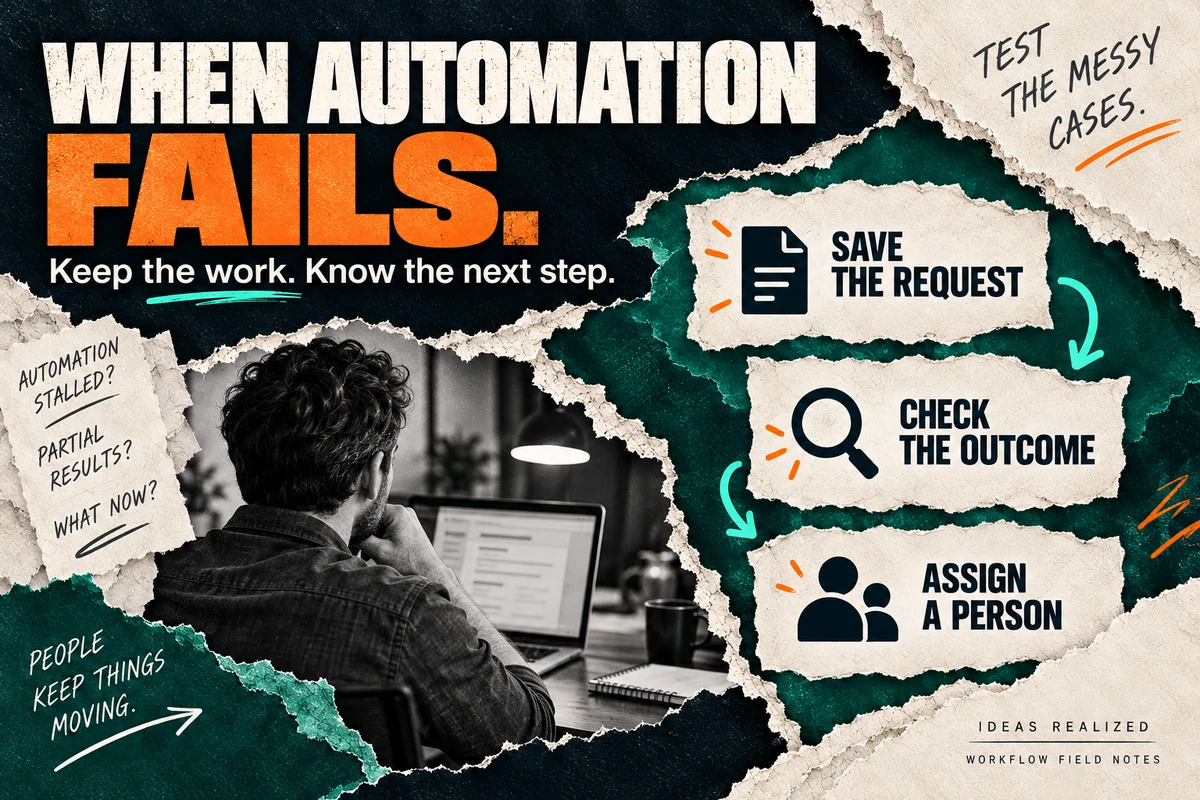
A useful automation preserves the work when it cannot finish, tells the right person what happened, and makes the next action clear. Test those paths before your team depends on it.
A demo usually follows a cooperative customer through a clean process. Every field is complete. The connection works. The customer record is easy to find. Daily operations bring incomplete information, duplicate requests, and unavailable systems. Those cases tell you what your team will actually have to support.
Follow one request through the failure
Consider a fictional service business. Its website collects a repair request, creates a job, and notifies the office. An AI step helps summarize the customer’s description.
Suppose the customer submits twice because the first response is slow. Or the job system accepts the request but the confirmation never reaches the website. Or the message contains two addresses and the system cannot identify the service location.
Each problem needs a different response. A second submission should not automatically create a second job. An uncertain write needs reconciliation with the destination. An ambiguous address needs clarification. Guessing at any of these can move the problem into somebody else’s workday.
Decide what can retry
Retrying a read is different from repeating an action that might already have happened. A connection can drop after a job is created. Sending the request again without checking can create another job.
Ask how the workflow identifies an operation it already completed. One approach is a persistent request identifier, a record of each completed step, and a lookup at the receiving system. Some APIs offer idempotency keys: Stripe documents its own retry contract, including key reuse and retention rules. Other systems behave differently. Verify the actual API before relying on the same approach.
An identifier only helps if it stays stable across retries. Generating a fresh one every time defeats that protection. Keep the operation’s identity separate from the individual attempt.
Retries also need a limit and a delay appropriate to the provider. After the limit, route the request to a visible exception queue. Repeating a permanent permissions error indefinitely creates noise and can consume paid API capacity without getting the work done.
Name the person who takes over
A notification to a busy shared channel is easy to miss. Assign an owner and a fallback when that person is unavailable. The handoff should answer:
- What was the request trying to do?
- Which steps completed, and which remain uncertain?
- What source information should the reviewer check?
- Can the reviewer resume safely, or should the request be cancelled?
Keep sensitive details in the protected system. An alert can link to the record instead of copying customer information into every channel.
For the fictional request, the office could confirm the address before creating a job. The original message should remain available alongside the proposed summary. A button labeled Approve is only useful when the reviewer has the information and authority to make that decision.
Make recovery part of acceptance
| Test | Expected behavior |
|---|---|
| Submit the same request twice | One intended job, with the duplicate recognized |
| Remove a required detail | A clear clarification request, with no invented value |
| Interrupt the destination connection | The request is retained and the outcome is checked |
| Fail after creating the job | The completed job is recorded; recovery does not recreate it |
| Deny access to a record | No unauthorized information is returned or changed |
| Resume an exception | Only the unfinished steps run |
| Pause the automation | Staff have a documented manual path |
Use test accounts and fictional records. Agree on the expected result before each test, then record what actually happened. Include someone who will run the process after launch.
Measure the work left for people
Record successful runs, interventions, unresolved wait time, duplicate actions, and recovery effort. A workflow can save time on routine requests while creating expensive exceptions. These measurements tell you whether to expand it or narrow the first version.
If the process itself is still unclear, start with our business-process mapping guide. Our AI agent developer guide covers questions to ask a builder. For a separate, real integration story, OATAS at Kelly’s Appliance shows how legacy service records, a custom application, and Slack assistance fit together. The failures described here are not claims about that project.