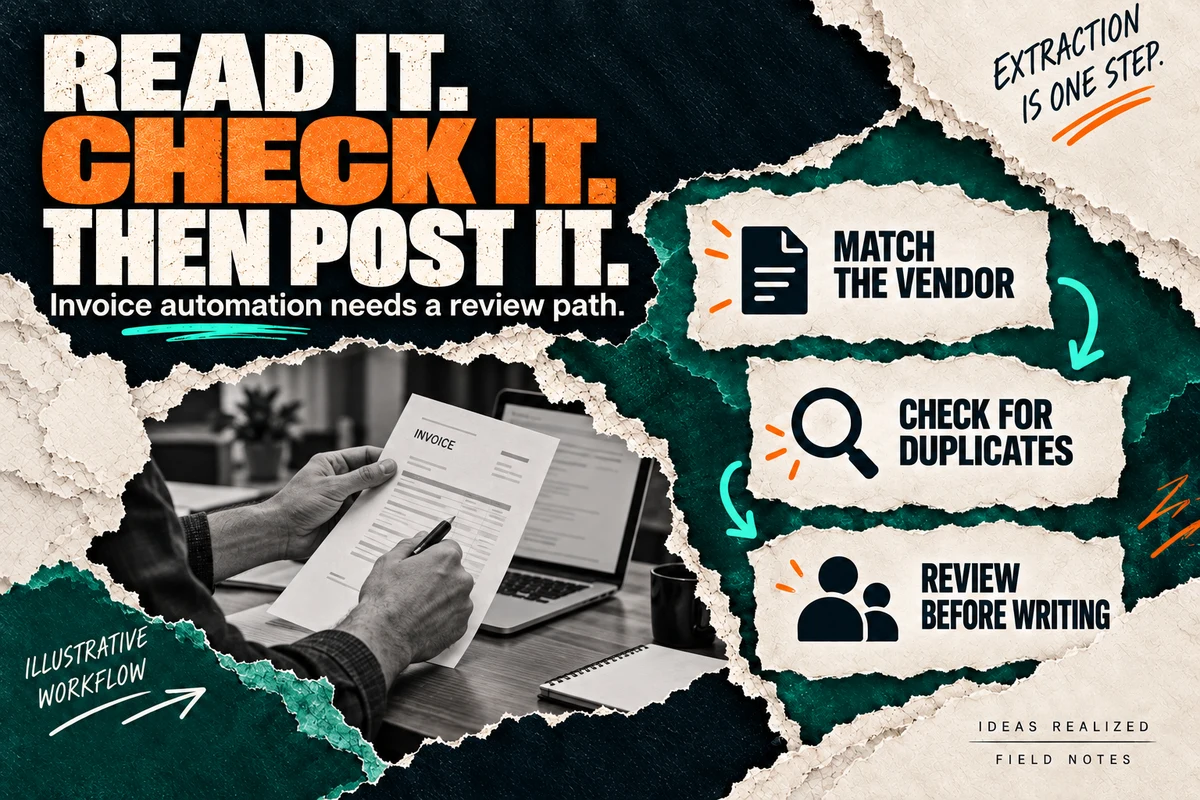
Reading an invoice is one step. Deciding whether it is ready to enter the accounting system takes vendor checks, arithmetic, duplicate detection, and a clear review policy. A useful workflow preserves the document and records what happened after extraction.
Consider a synthetic invoice from Example Supply Co., number INV-1042. It lists two items totaling $240, a delivery charge of $20, and a total of $260. We omit tax from this teaching example; a real workflow must follow the business’s accounting rules.
The extractor finds those fields, but it also reads the vendor account as either EX-18 or EX-IB. That uncertainty matters more than whether the summary sounds polished. The workflow should hold the entry until someone checks the source and the approved vendor record.
1. Keep the original with the proposed entry
Store the source document in an appropriately protected location and record its intake identifier. The reviewer needs to see the page behind each extracted value. A link to the document, page reference, and field highlighting can make review more useful than a plain list of numbers.
Record which extraction version produced the proposal. If the model or parsing rules change later, you need a way to distinguish new results from those already approved.
Avoid copying raw invoices into general team channels. An alert can say that an item needs review and link an authorized person to it.
2. Validate meaning, not just formatting
A date can be valid text and still belong to the wrong invoice. An amount can be read perfectly and still disagree with the line items. Use separate checks for the business decision.
| Field or condition | Check before writing |
|---|---|
| Vendor | Match an approved vendor record; route ambiguous matches to review |
| Invoice number | Preserve the source value and check vendor-plus-number history |
| Amounts | Reconcile line items, adjustments and total under agreed rules |
| Currency | Require an explicit supported currency |
| Dates | Check required dates and route unusual cases to the accounting owner |
| Duplicate document | Compare stable identifiers and document history, not just filenames |
| Changed payment details | Require an independently controlled verification process |
Payment details deserve their own controls. Extracting bank information accurately does not establish that a change is legitimate. Keep payment authorization separate from document capture.
3. Give uncertainty a visible destination
Some extraction tools return field-level confidence estimates. Microsoft’s guidance describes confidence as an estimate and discusses human review. It also notes that not every field returns a score. A high-confidence extraction still does not confirm the vendor, approve the expense, or eliminate duplicates.
Choose review rules using representative documents and the consequence of an error. There is no universal confidence threshold that makes every invoice safe. Track the corrections reviewers make and the cases your rules miss.
For INV-1042, the review queue should say “Vendor account ambiguous” and show the source. “AI error” is too vague. The reviewer should be able to correct the proposal, reject it, or ask for clarification, with the decision recorded.
4. Confirm the accounting write
Once the proposal passes checks and the required approval, write through the destination’s supported interface. Record its returned entry identifier and status. Do not treat a request being sent as proof that an entry exists.
If the connection times out, check the destination before repeating the write. Stripe’s idempotency documentation illustrates one API’s protection against repeated operations; your accounting provider may offer a different mechanism. Verify its contract and design recovery around it.
Our automation failure checklist explains partial completion and safe recovery in more detail.
5. Pilot with the person who owns the books
Start with one document type and one destination. Test clear invoices, ambiguous vendors, repeated attachments, credits, missing pages, and destination outages. Agree on expected behavior before running them.
Measure time to review, correction rates, unresolved items, and duplicate entries alongside total volume. The aim is a process the team can operate confidently, with evidence behind each write. For broader tool-selection questions, use our document-processing buyer’s guide.