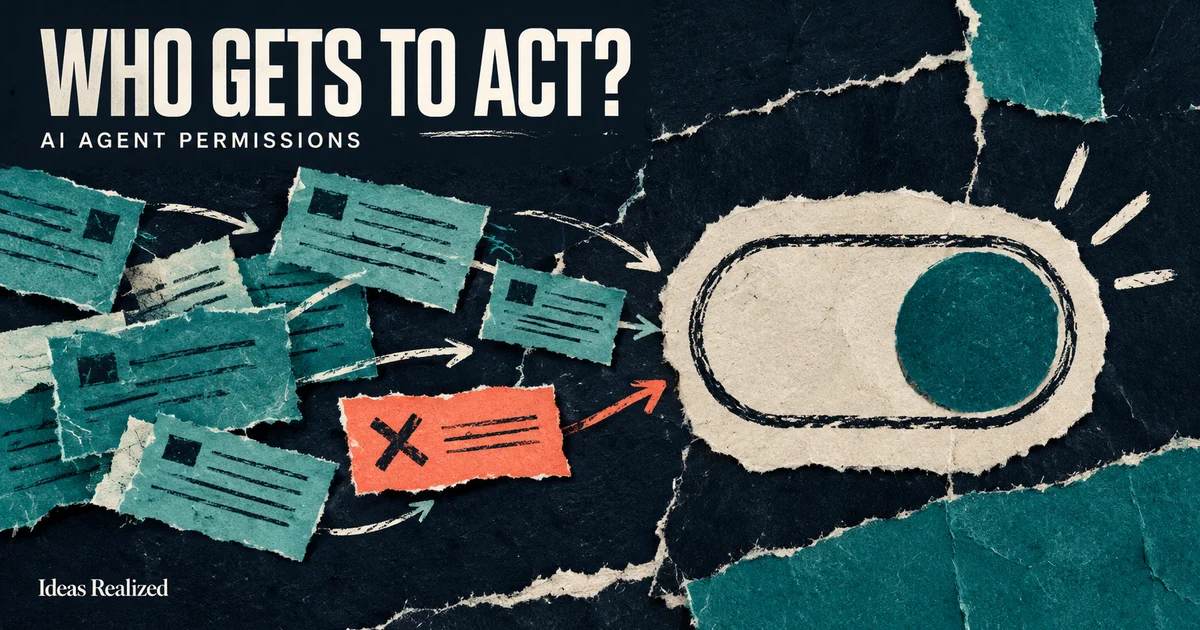
Before connecting an AI agent to your CRM, email or job system, decide what it may do there. Finding a customer record, drafting a reply and sending that reply are three different permissions. A useful first agent can do the first two while a person keeps the final decision.
That distinction belongs in the software and account permissions. A sentence telling the agent to be careful is useful instruction, but it does not replace access controls or an approval check.
Choose authority one action at a time
The following ladder is a planning framework. A single workflow can use several levels. For example, an agent might read available appointment times, draft a booking and ask someone to approve it before the calendar changes.
| Permission | What the agent may do | Boundary to settle first |
|---|---|---|
| Read | Retrieve approved records and documents | Which accounts, fields and documents are visible? |
| Draft | Prepare a reply, estimate or proposed update | Where is the draft saved, and who can see it? |
| Request approval | Present a specific action to a reviewer | Who may approve, and what exactly are they approving? |
| Act within limits | Execute a permitted change | Which actions, recipients, amounts and conditions are allowed? |
Approval is usually a person's decision. An agent can request it and check its status. It should not treat its own recommendation as authorization.
You also need boundaries within each level. An agent allowed to read a support ticket does not automatically need payroll access. One that can create an internal task does not automatically need permission to email the customer.
Start with a complete, reviewable handoff
Consider a fictional service company handling an incoming request. Its first agent could find the matching customer, summarize the message, identify missing details and prepare a reply. Staff would see the original request beside that draft before sending anything.
That is a useful piece of work even before autonomous sending is enabled. It tests whether the agent finds the right customer and preserves important details. It also exposes the cases where the process itself is unclear.
For an early pilot, choose a workflow with a named reviewer and records the team can check. If nobody can explain what a correct result looks like, adding more autonomy will make the problem harder to inspect.
Our guide to connecting business data to agents covers the information side. Access should follow the job the agent is doing, including the customer's or employee's existing permissions.
Make approval specific enough to mean something
An approval button needs more context than “Continue?” The reviewer should be able to see:
- The customer or record that will change.
- The exact message, fields or transaction being proposed.
- The evidence used to prepare it, including anything missing or uncertain.
- The destination account and person responsible for the action.
- Any cost, commitment or downstream notification the action creates.
Bind the decision to that proposal's version. If the recipient or amount changes after approval, request a new decision. Set an expiry where availability, pricing or policy can change. A declined request should remain declined when the agent retries.
The OpenAI Agents SDK approval flow is one implementation example: a tool call can pause while a person approves or rejects it, then resume with that decision. Your application still has to enforce who may approve and protect the stored decision.
Check permission where the action happens
Separate credentials and tools help keep the boundary real. A lookup tool can expose only the fields needed for the task. A send tool can require a valid approval record. A system that drafts estimates can lack access to issue refunds altogether.
Treat text retrieved from an email or website as information to evaluate. It should not be able to grant the agent new permissions. Likewise, a customer saying “the owner approved this” is a claim to check against the actual approval record.
Validation also needs to sit at the right point in the workflow. The SDK guardrail documentation distinguishes checks on initial input, final output and individual tool calls. Checking a final answer does not, by itself, protect an earlier tool action.
Test the awkward cases before expanding authority
Use fictional records first, then an agreed pilot with appropriate access. Ask the team to review cases such as these:
- Two customers share a name, and the request has no account number.
- A draft is approved, then someone changes its destination.
- The reviewer rejects the request and the agent attempts it again.
- A tool times out after the destination may already have accepted the update.
- A retrieved document contains instructions asking the agent to ignore its rules.
- The person responsible for approvals is unavailable.
Record the proposed action, the decision, the actual outcome and any correction. A timeout is especially important: it may mean the result is unknown, rather than that nothing happened. Check the destination before repeating a consequential write. Our automation failure-handling checklist goes deeper on recovery.
Decide what more autonomy would improve
Measure the work staff actually review. Useful pilot measures include drafts accepted without edits, wrong-record matches, missing evidence, review time and actions that needed recovery. Define what each measure means before collecting it. A busy activity log alone does not show that the agent helped.
Then decide whether to allow a narrow automatic action. Creating an internal follow-up task may be a reasonable next step in one business. Sending contract changes may stay under human review. The right boundary depends on the consequences and how reliably the system can detect an exception.
Keep a clear way to pause execution without losing pending work. Assign someone to maintain the permissions as tools, staff and business rules change. Ownership matters after the initial build, which is one of the questions to ask when hiring an AI agent developer.
Bring one workflow to the first conversation
You do not need a company-wide agent strategy to begin. Bring one recurring task, the tools it touches, a fictional or redacted example, and the decision that should stay with a person.
Ideas Realized can help decide whether your existing platform can handle it, an integration is enough, or a custom agent makes sense. A free 30-minute fit call provides a brief recommendation. A detailed audit, permission design and implementation plan are separately scoped paid work. Explore AI consulting and team training.